A LITTLE IMAGINATION. YOUR REAL BACKYARD.

Make room for
your favorite moments.

Start with a photo. See a fire table in your space, at its actual size.

YOUR BACKYARD, REIMAGINEDNo photo yet
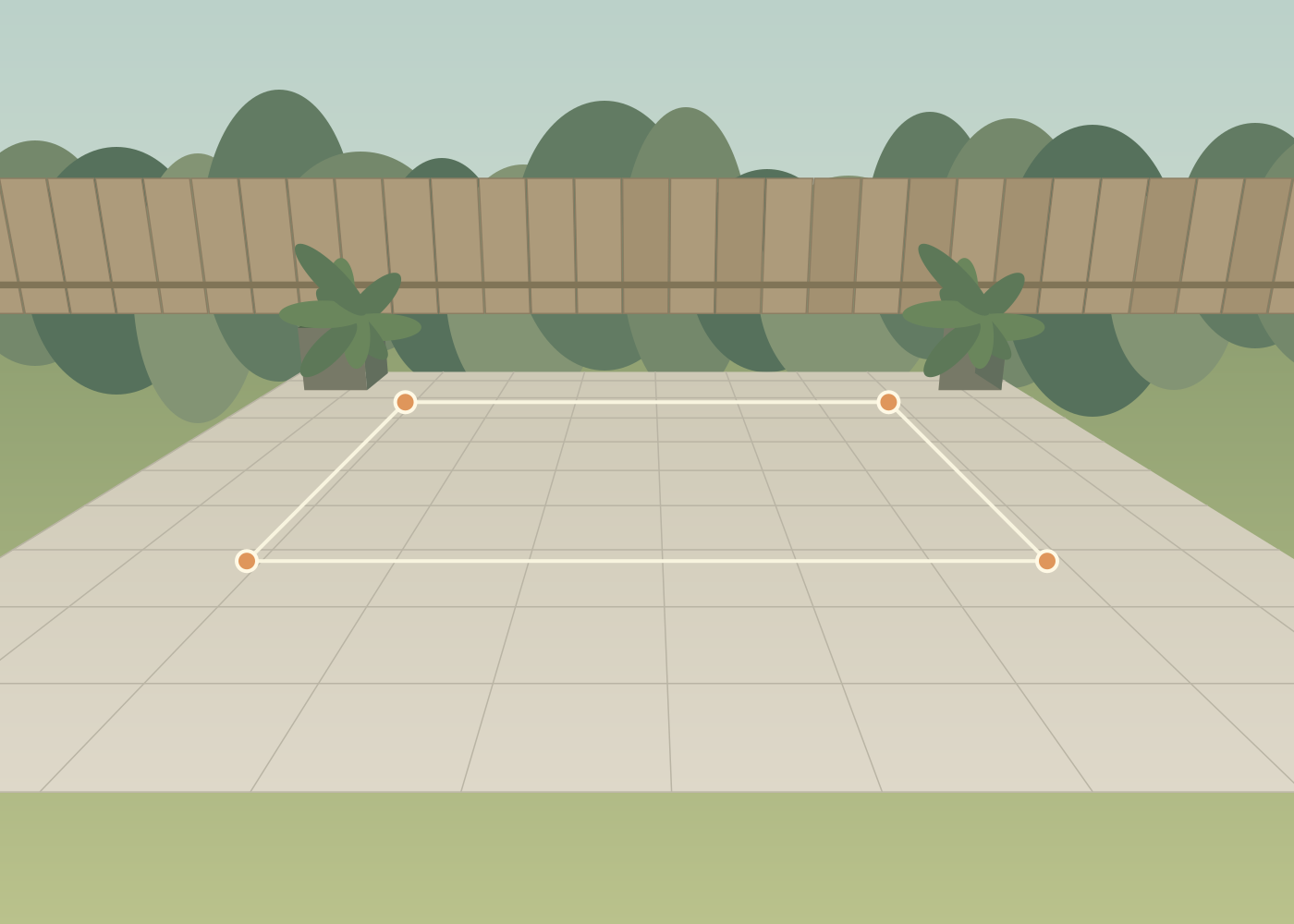
Illustrated patio with a measured rectangle and four corner markers
YOUR NEXT CHAPTER STARTS OUT HERE

A place to gather.
A space that feels like you.

Illustrated example · try it without a photo
A FEW MINUTES, A NEW PERSPECTIVE

From your photo
to your possibilities.

  1. Photograph a level area. Use your normal 1× camera and keep all four reference corners in view.
  2. Measure a rectangle. A patio works, or lay four markers at right angles. Enter width and depth and tap the corners in the photo.
  3. Try the fire table. Move and turn the model. Its dimensions stay fixed.
  4. Keep your favorite arrangement. Download an image or an editable design file.

This first version supports one sample product on a level surface. It does not measure property lines or verify installation requirements.

Before you send your photo

Creating a realistic picture shares your backyard image, including anything visible in it, plus the product placement and rendering instructions with an outside AI image service.

Rendering service: Higgsfield · Sunburst 2.5.
Your placed-product photo and instructions are sent through our server to Higgsfield and its model providers. Read Higgsfield’s privacy policy.

You can cancel and keep using the measured preview. No image is sent when you open this notice.

AI may change product details or scale. Keep your measured preview for planning.

Your realistic preview

This picture shows the placement sent when you started this render. AI may change details or scale; keep your measured design for planning. Download the picture to keep it.

Use your own AI

1. Save your placed-product image.
2. Open your preferred AI image editor and upload it.
3. Paste these instructions.

Downloading and copying here sends nothing to an AI service. When you upload elsewhere, that service’s privacy policy and account limits apply.

Connect API key

Paste the API key copied from open.higgsfield.ai. Paste it as-is.

Local preview only. The key stays in server memory until this server stops. It is not saved in your design or browser storage.